

The problem: cheap panels fail fast and you lose sleep
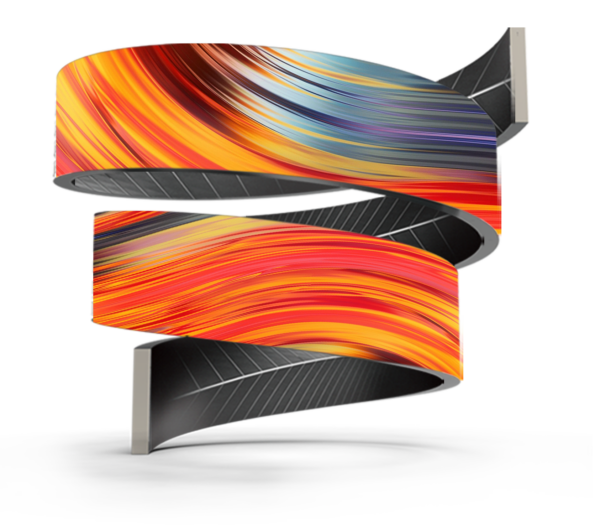
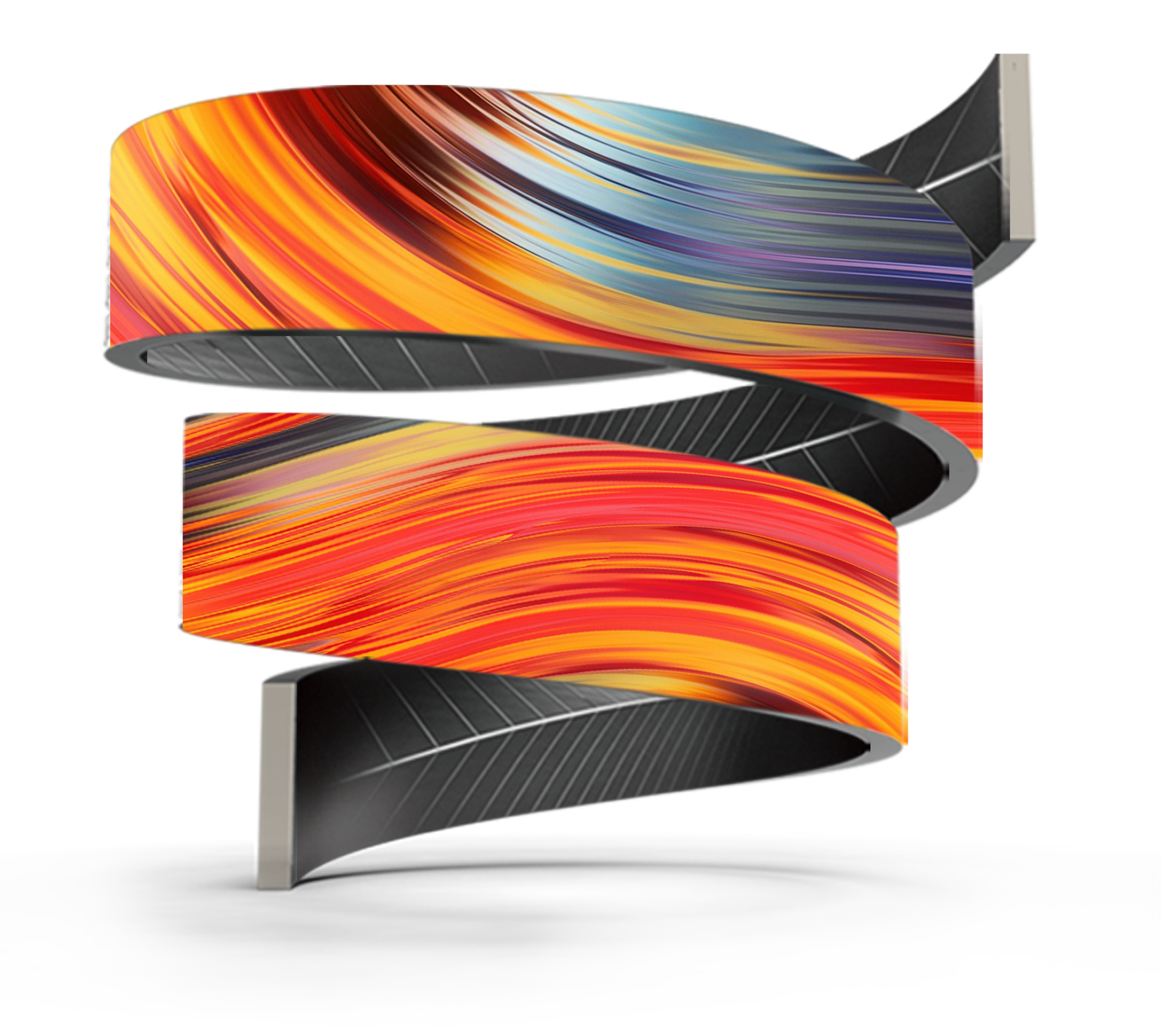
You buy a display, hang it up, and six months later parts are dead or colors drift. That’s the usual mess. You don’t need fancy talk — you need straight checks so you don’t get burned. Start by knowing what you want the screen to do: go curved on a storefront, wrap a stage, or run a tight indoor loop? If you need something that bends and hugs a surface, consider a flexible led screen — but the questions here apply to any panel type.
Start with the build — what actually matters
Feel the frame and look inside the seams. Poor solder joints, cheap connectors, and thin aluminum mean problems later. Check for solid power supplies with thermal protection and reputable driver ICs. Modules should sit flush with tight tolerances; gaps = light leakage and dead pixels. Ask for conformal coating on PCBs if the unit will face humidity. IP ratings mean something — IP65 on the face for outdoor use is not negotiable. Don’t confuse flashy case finishes with real durability.
Simple specs you should demand and read right
Brightness: outdoor panels need high nits; indoor doesn’t. Refresh rate: higher is cleaner for motion. Color calibration: ask if the supplier does factory calibration and can supply delta-E numbers. Contrast and viewing angle matter where crowds move around. Look for MTBF or warranty info — a realistic parts-and-labor promise beats marketing blurbs every time. If the seller dodges numbers, take that as a red flag.
Run the tests you can do yourself
Power up and watch from different angles. Look for dead or dim pixels, color shifts, and flicker. Run a full-color gradient and a fast-motion video; slow refresh or bad sync shows here. Leave it on for several hours and check for heat build-up; panels that run hot will fail sooner. If possible, swap a module and see how easy it is — modular replacement saves time and money later. Take pictures under different light and compare; uniformity problems reveal themselves fast.
Real-world proof: what experience and events show
Trust is built where products actually work — not just in glossy brochures. At CES in Las Vegas, I watched multiple cube led display demos run continuous motion for hours without color drift or pixel loss; real shows stress gear more than lab tests. Ask for case studies or site references from similar installs. Field records of long runs and rapid service responses speak louder than specs alone.
Common mistakes people make — and how to dodge them
Buying by price alone. Relying on stock photos. Skipping compatibility checks between controller and modules. Ignoring environmental factors like salt air, which eats electronics, or continuous 24/7 operation that needs industrial-grade parts. Not planning access for module swaps turns a simple repair into a costly teardown. Avoid those mistakes and you cut lifetime headaches.
Viable alternatives and the trade-offs
Rigid LED panels are cheaper and sturdy for fixed walls. Flexible panels let you hug architecture but need careful mounting and strain relief. Cube-style creative panels look great for installations and are modular, but they require tighter calibration and stronger mounting. LCD video walls can be lower maintenance for indoor use but can’t match LED brightness outdoors. Choose the type that fits real site constraints, not the prettiest demo video.
The straight conclusion
Don’t buy buzzwords. Inspect build quality, run hands-on tests, verify specs, and demand real installation references. Good suppliers will give clear MTBF numbers, readable warranties, and field records. If you want tested gear with documented results and sensible service, a competent provider like HDC will show you the paperwork and the installations so you can decide without guesswork.