

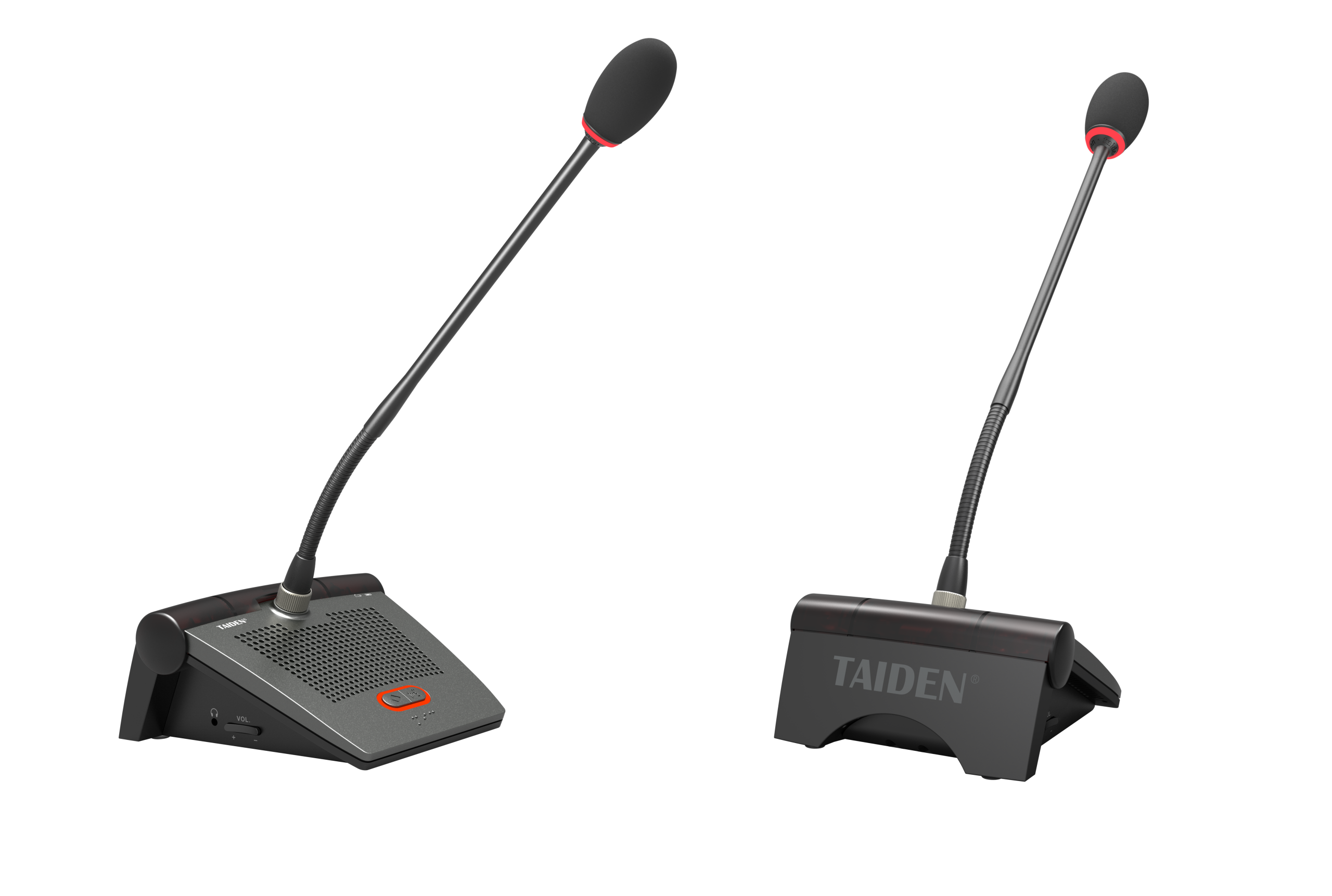
Introduction: Clear Sound, No Guesswork
Here’s the truth: most meeting rooms don’t fail because folks can’t talk—they fail because the signal won’t behave when the room is full and the clock is tight. A wireless conference system sounds handy until one cough of radio noise knocks a mic dumb. I’ve seen it in city halls and in dusty school gyms alike (same problem, different paint). Last year, a regional audit showed that up to 28% of meeting time was lost to audio delays or device resets. That is a lot of eye-rolling—funny how that works, right? So, what if you could hold a tight meeting, keep speech clear, and skip the RF chaos?
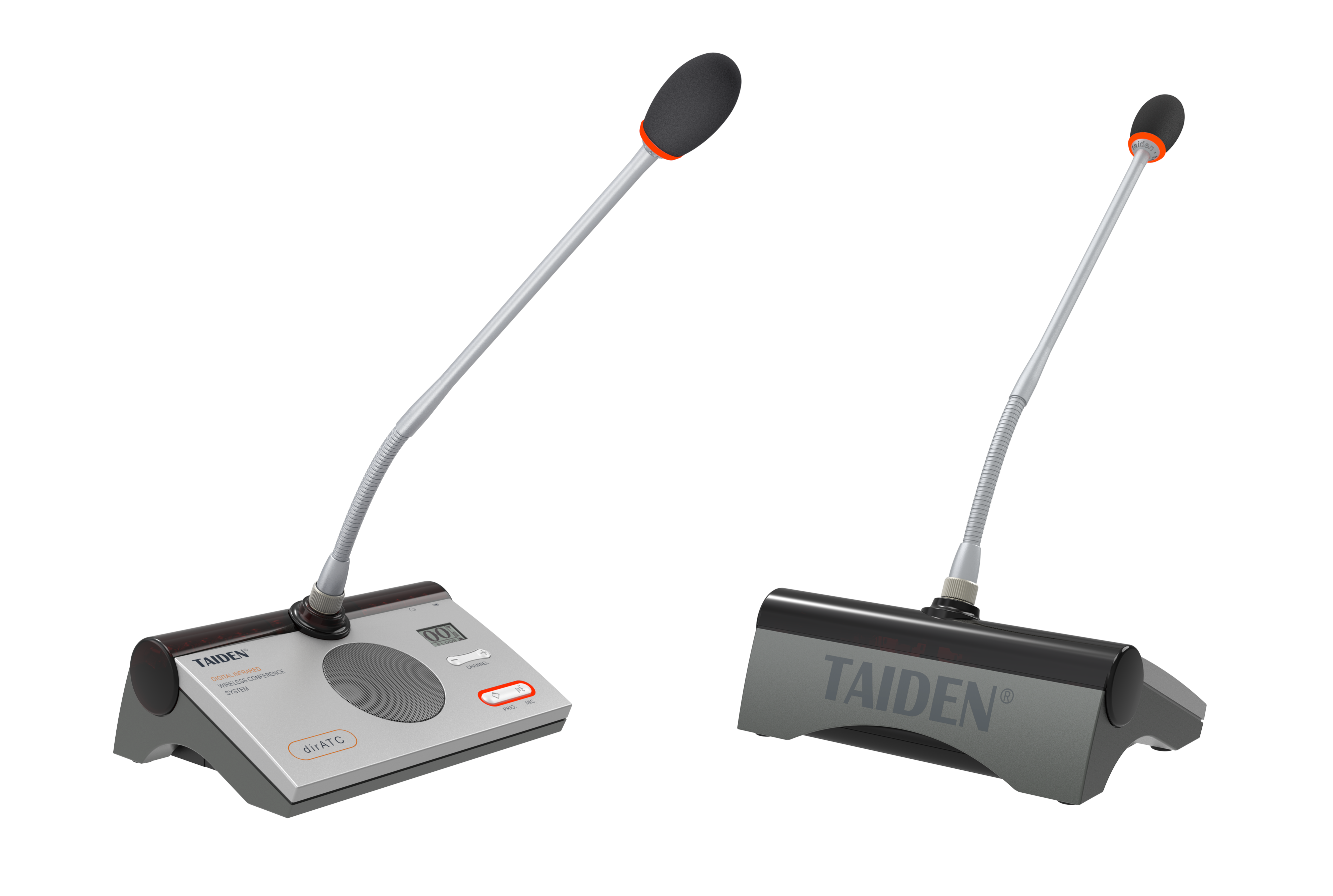
Let’s walk straight into the fix, and why the path you pick matters for more than sound checks.
Old Fixes, New Headaches
Where do “good enough” setups fall short?
Most folks lean on radio-based kits and hope for the best. But the flaws pile up fast. RF channels clash with Wi‑Fi or nearby mics. The RF front-end can clip or desense when a phone hotspot lights up. You get dropouts, hiss, and wasted time. Security brings another worry; open RF can leak beyond the walls. Even when you add AES‑128 encryption, you’re still sharing a busy band. And latency grows as you stack repeaters or chase “auto” channel scans. That’s before you talk batteries, power converters, or fiddly gain staging between devices. In practice, people set it, pray, and tap the mic. Then they tap again.
This is where an infrared wireless conference system changes the game. Infrared is light, not radio, so it keeps the audio in the room—no spill to the hallway, no surprise guests on your signal. Line‑of‑sight sounds scary, but with well-placed infrared diodes and a sensible ceiling grid, coverage is steady and clean. DSP handles echo control and speech lift without the RF wrestling. Look, it’s simpler than you think. Latency stays low because there’s no spectrum chase. And your IT team breathes easier since there’s no fight with Wi‑Fi QoS or firmware locks each time the room is re-set.
Comparing Paths and What’s Next
Real‑world Impact
Let’s compare the principles, not the posters. RF systems fight for space; their strength is range, but that range invites interference. Infrared sticks to the room. That “short leash” is the point: it boosts privacy and steadies your workflow. Modern IR panels use smart modulation and wide beam spreads to reduce blind corners. Add a digital mixer and clean codec, and you get stable speech with minimal jitter. If you want chairs to roam a bit, pair table units with a digital wireless discussion device that speaks IR, and the system coordinates floor control, mic queues, and vote tally—without throwing elbows at Wi‑Fi. Beamforming mics can tighten pickup, while the DSP tames slapback in hard rooms. The result is predictable. Meetings end on time. People stop shouting.
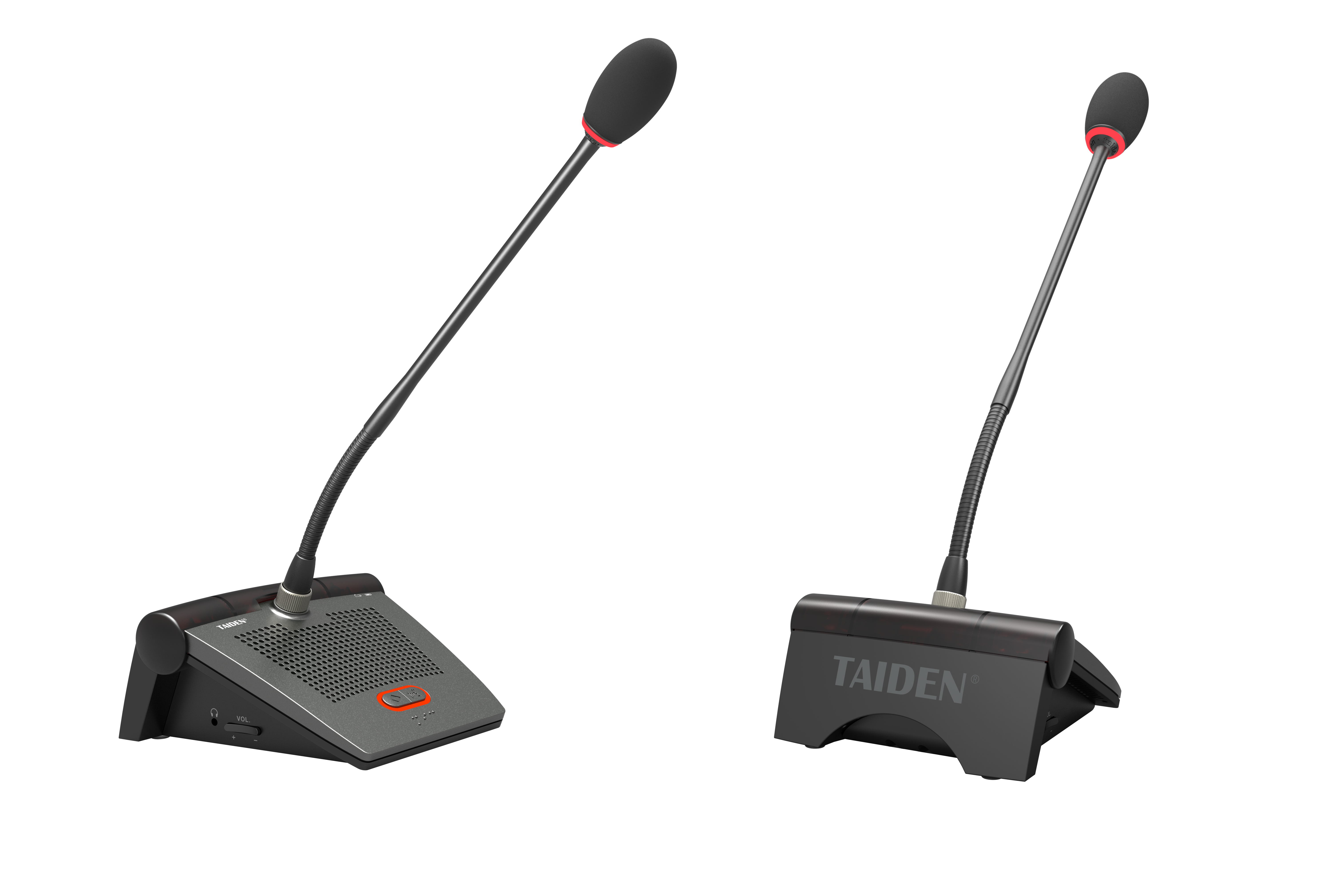
What’s next is better integration—ceiling IR arrays that self-map coverage, plus health checks that catch a blocked emitter before a session starts. We’ll see smarter battery trays and faster codec swaps for translation feeds. Hybrids may add edge computing nodes to monitor latency spikes and flag a weak panel. But the core stays simple: keep audio inside the walls and cut your interference targets. It’s funny—the more “limited” the light path, the more freedom you get in real use. Less tuning, fewer calls to the AV tech—more decisions made.
How to Choose Without Guesswork
Coverage honesty: Ask for a heat map of IR coverage with room furniture in place. Check for documented line‑of‑sight planning, emitter count, and overlap. You want proof that every seat has signal and that panel placement avoids glare from glass walls.
Latency and control: Measure end‑to‑end latency with mics live, translation on, and recording enabled. Verify the DSP chain, codec choice, and queue control. Make sure floor requests, mute logic, and gain staging stay responsive under load.
Security footprint: Confirm in-room containment and encryption. Look for audit logs, device binding, and session keys. Ensure no RF exposure to neighboring rooms. Test for leak paths in doors and glass, then retest with people moving around.
That’s the short list that keeps meetings calm and speech clean. Choose tools that make sense, not noise. And if you want a place to start, take a quiet look at TAIDEN.