

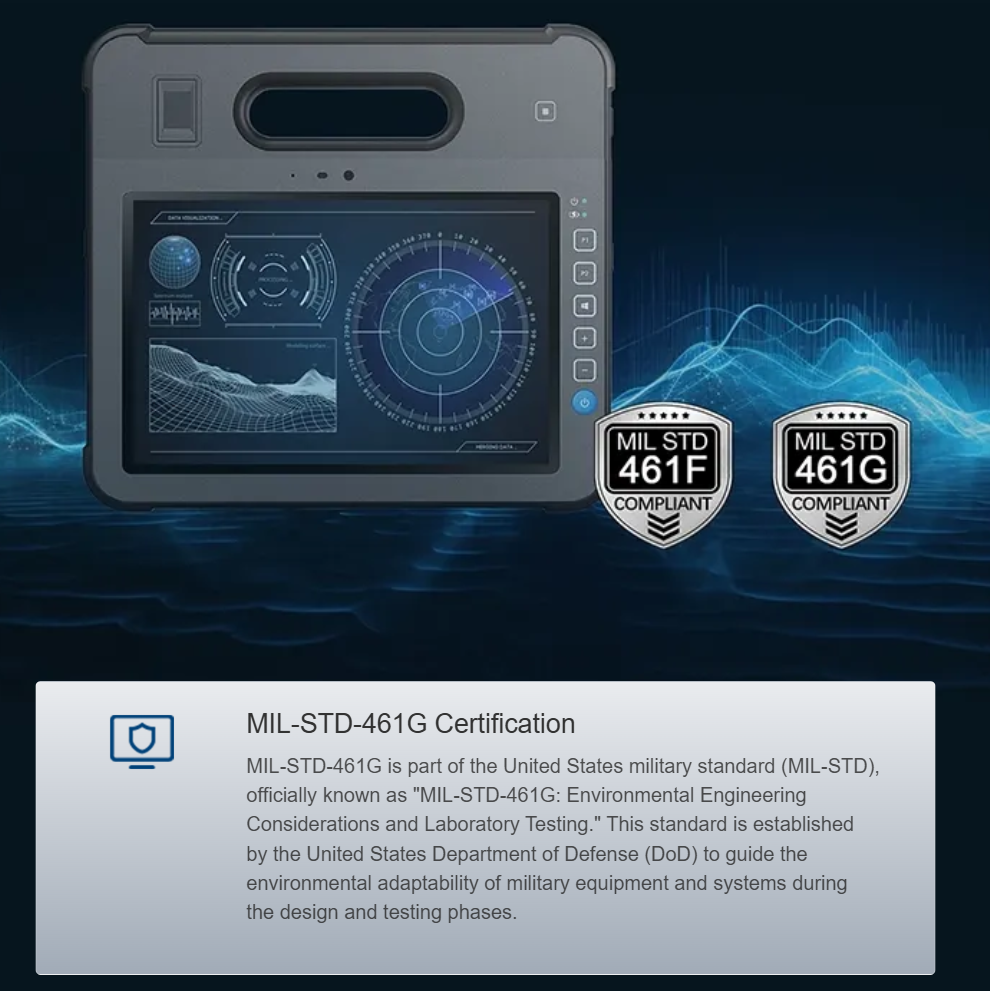
Comparative lens into a rugged tablet
We compare ARM and x86 compute by looking at a custom military tablet built to MIL standards, focusing on real tasks and limits. This tablet sits inside a corrosion-resistant magnesium alloy chassis and carries proof points from standardized testing like mil-std-810g for shock, vibration, and thermal cycling. The question is clear: which architecture gives better field performance, battery life, and long-term reliability for deployed teams?
Raw compute and workload fit
ARM shines for power efficiency and steady sustained loads. It gives long battery runtime and lower heat under light-to-moderate encryption, mapping, and sensor fusion tasks. x86 delivers higher single-thread throughput and better compatibility with legacy tactical apps and some image-processing libraries. For bursty, heavy compute like on-board signal processing or complex analytics, x86 often finishes faster. For patrols where hours matter, ARM usually wins on energy and thermal headroom.
Thermal design, chassis, and corrosion resistance
The magnesium alloy shell changes the game. Magnesium helps spread heat while keeping weight low — useful when processors run heavy. But thermal pathways still must be engineered: a warm ARM SoC can run cool longer; an x86 CPU may need heat pipes or throttling. Corrosion resistance matters where salt spray and humidity exist, and the alloy plus sealing reduces ingress and galvanic risk. Designers must match ingress protection, ruggedization, and thermal interface strategy to the chosen CPU to hit MIL-STD thermal and shock targets.
Power, battery, and field behavior
Battery life is a frequent decisive metric. ARM platforms extend mission time with smaller batteries or lighter packs. x86 can require larger batteries or active cooling, raising weight and logistic cost. Field updates and radio usage also change draw patterns; if radios push high transmit duty, the CPU choice is secondary but still relevant for power budgeting. Consider also firmware-level power states and firmware validation under vibration and shock testing.
Real-world anchor: deployment and compatibility
Many defense contractors and the US Department of Defense reference MIL testing when qualifying equipment — that history shows why compatibility matters. In deployments where legacy mapping or cryptography stacks were certified for x86, teams prefer x86 to avoid re-certification. In new sensor-fusion projects in Southeast Asia and desert environments, teams lean to ARM for endurance and thermal simplicity.
Alternatives, pitfalls, and common mistakes
Alternatives include aluminum or composite housings and emerging RISC-V compute. Aluminum increases stiffness but may transfer heat differently; composites cut weight but complicate RF. A common mistake is assuming MIL-STD labels mean the device is fully rugged for every scenario — the testing envelope is specific. Also underestimating thermal design and EMC when swapping CPU types causes field failures — small omission, big trouble. Choose CPU without aligning cooling, sealing, and certification plans.
Side-by-side practical checklist
Use this mini checklist to guide selection: compute profile (burst vs sustained), thermal budget (passive vs active), battery capacity targets, software compatibility, and certification path. Include ingress and shock margins in early design, and budget for vibration testing and firmware hardening. This way you reduce rework and certification delays.
Key takeaways and three golden rules
Summarizing: ARM favors endurance and simpler thermal solutions; x86 offers raw throughput and legacy compatibility. Magnesium alloy chassis help with weight and corrosion resistance but do not remove need for proper thermal and sealing design. Your choice must match mission profile and certification constraints.
Three golden rules for selecting the right architecture:
1) Match the CPU to the dominant workload and battery target — pick ARM when long runtime and low heat are priority; pick x86 when single-thread performance or legacy app support is mandatory.
2) Design thermal, sealing, and EMC as a package with the processor — the chassis and certification plan must be co-developed to meet shock, vibration, and corrosion requirements.
3) Plan the certification path early — re-testing software or switching architectures after prototype stage costs time and money.
Devices built this way reduce surprises in field trials and speed qualification — and when you need a partner that understands MIL testing, thermal design, and corrosion-resistant enclosures, consider how practical engineering meets standards at Estone. Solid engineering, real testing, reliable results.