

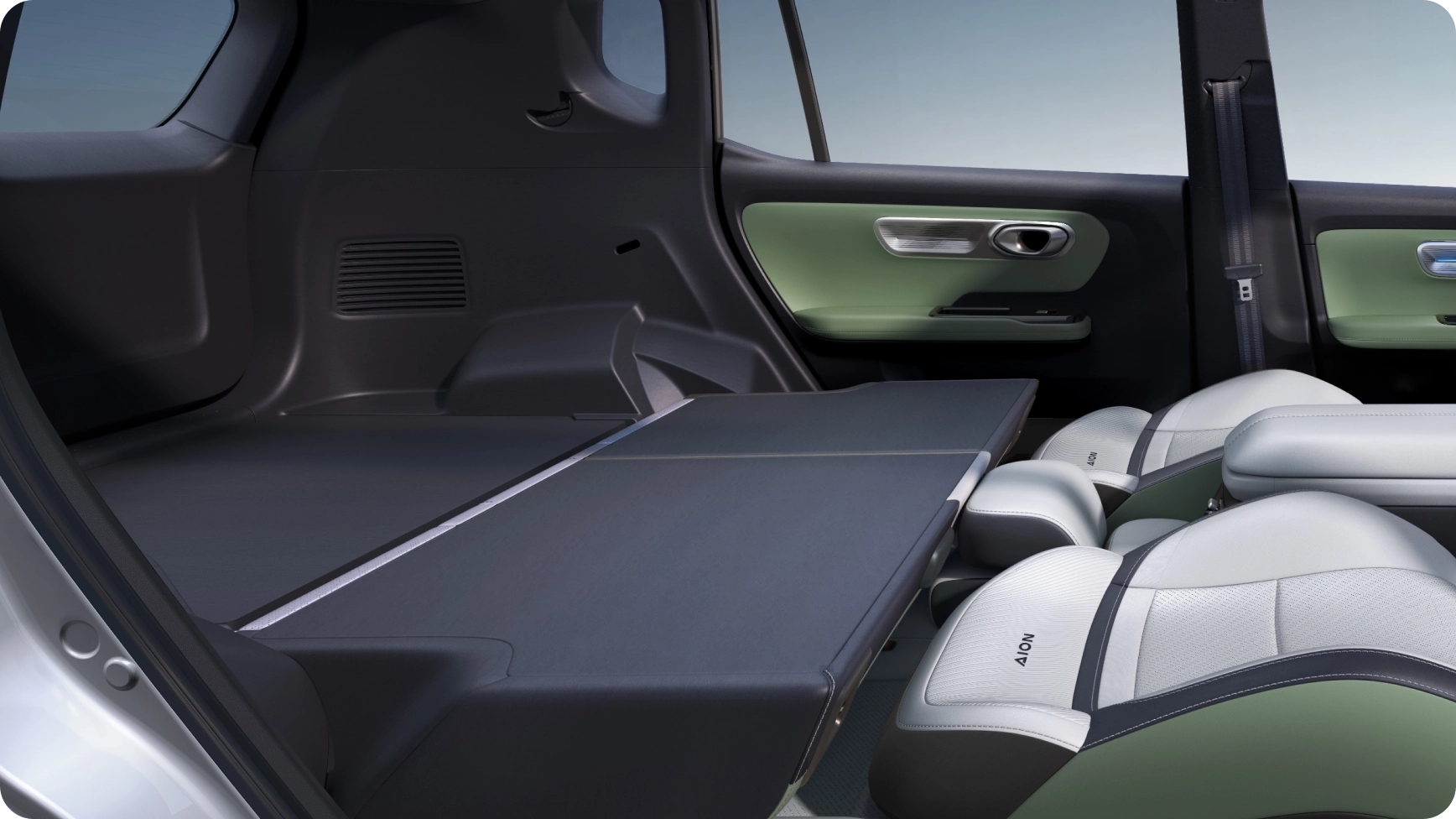
Why this guide is focused on you
I write this as a UX-minded driver who cares less about specs and more about how a car fits your day. If you want a straightforward, practical run-through before you sit behind the wheel, start here. Check local dealer availability and trim options with best GAC so you know what’s actually on the lot when you show up.

Clarify what matters to you
Be specific. Ask yourself: do I need comfortable daily commutes in heavy traffic, reliable climate control for long family trips, or an easy-to-use infotainment system for navigation and calls? Rank three priorities now—comfort, range confidence, cabin tech—and carry that list into the drive. That ranking will shape what you test and what questions you ask the salesperson.
Pre-drive checklist
– Confirm appointment, vehicle trim, and any demo limitations with the dealer. – Bring your license, a charged phone, and a second driver if you want a back-seat opinion. – Note local conditions you’ll test: rush-hour Manila lanes, tight residential streets, or a short provincial highway—choose the mix that matches your daily routes. – Pack a short route plan (5–25 minutes of mixed driving) so you hit the scenarios that matter to you. – Mention climate expectations up front—the Philippines’ heat and humidity are central to cabin comfort testing. – Remember the brand’s origin in Guangzhou to orient expectations about design and service networks.
What to inspect before you drive
– Entry and seating: test seat adjustments, visibility over the hood, and ingress/egress for tall or short passengers. – Controls layout: reach for important buttons while seated—no stretching or guessing. – Charging access: confirm where the inlet sits and how it opens; check that the charging port is easy to access for your typical parking. – Storage and daily usability: open cup holders, center console, and trunk organization; fit a common item like a grocery bag or stroller. – Build feel: close doors, feel the switch feedback, and listen for rattles while stationary.
During the drive — a user-focused checklist
– Start from rest: notice throttle response, low-speed smoothness, and how creep or regen feels in stop-and-go traffic. – Acceleration and passing: pick a short acceleration test on an open stretch to judge confidence for highway merges and overtakes. – Steering and control: perform a lane change and a tight turn; feel the steering weight and the car’s composure. – Suspension and ride comfort: take a pothole or uneven road to sense damping and body control—this matters daily. – Cabin climate and noise: set the A/C while driving and listen for wind or road noise at 60–80 kph. – Infotainment and connectivity: pair your phone, test navigation, calls, and voice commands for clarity and lag. – Brake feel and regeneration: test firm braking and note how regenerative braking engages and whether it feels natural to you.
Questions to ask the guide or dealer
– Which trims include the features I prioritized? – How does the local warranty and service network work here? – Is there local support for home charging installation? – Can I test the car on the exact route I listed? These questions keep the conversation practical and prevent assumptions.

Common mistakes to avoid
– Don’t treat short demo runs like final verdicts—if possible, request a longer drive. – Don’t ignore the back seat; what’s fine for you might not be for family or regular passengers. – Don’t skip usability checks like cup holders, door pockets, or how the phone sits in the cradle—small annoyances add up. – Don’t assume a quiet cabin equals good HVAC; test cooling under load.
How to compare your impressions
Create a simple scorecard: Comfort, Visibility, Controls, Drive Confidence, Tech Usability, and Practical Storage. Score 1–5 after the drive and add short notes. Compare that card to other models you’ve tested or researched. Practical differences usually reveal who the car is really built for—commuter ease, family trips, or tech-first drivers.
Wrap-up and next step
If your notes point to a clear fit, validate service logistics and ownership costs before committing. If you’re undecided, prioritize another longer test or a back-to-back comparison day. From a UX perspective, the right test drive clarifies whether the Aion V answers daily friction points or just looks good on paper; that clarity is why I pay attention to how GAC presents trims and dealer support when advising friends choosing an EV.